






The homeowner journal · Decision guide
Choosing a supported opener battery-backup configuration
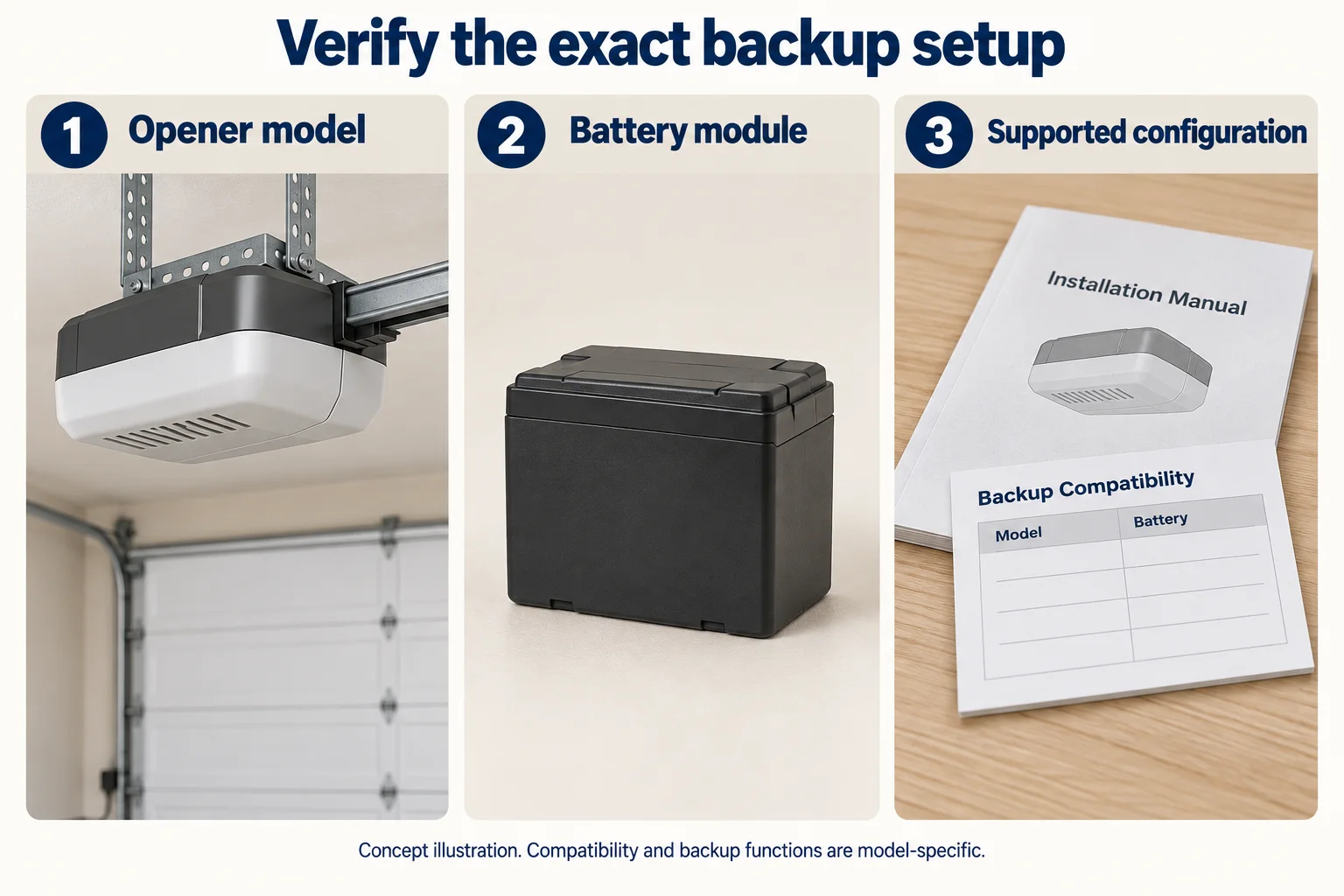
Choose battery backup only when the exact opener and backup configuration are supported. The presence of Wi-Fi does not establish backup capability.
Anderson Garage Door Service · Editorial review October 4, 2026
Choosing a supported opener battery-backup configuration
Choose battery backup only when the exact opener and backup configuration are supported. The presence of Wi-Fi does not establish backup capability.
Current scope is O24/O25 supported backup selection. Alerts and portable power-station comparison need their own exact-product evidence.
Identify the supported configuration
Genie provides a support page for GBWM-P backup equipment. Use the selected opener’s manual and the named backup’s application information to confirm the combination. An independently powered accessory, router or app is not automatically supported by that battery.
Record the documented operation and care
Keep local operating functions, any stated limits, battery-care guidance and replacement reference tied to the exact model. If a function is not documented, leave it unresolved. Backup power does not make a damaged or unstable door safe to operate.
Keep unverified alternatives outside this comparison
This page compares supported opener-backup selection only. It does not provide alert behavior, runtime estimates or a portable power-station alternative. Those tasks require separate exact-product documentation before they can be added.
| Observation or choice | What it changes | What to record |
|---|---|---|
| Opener identity | Defines the compatible configuration | Model and applicable manual |
| Supported backup | Requires an explicit application reference | Exact backup equipment |
| Documented local functions | Cannot be inferred from Wi-Fi | Manual function/limit |
| Battery care | Product-specific requirements | Maintenance/replacement reference |
| Support item | What the named FAQ establishes | Primary source |
|---|---|---|
| Equipment identifier | GBWM / GBWM-P / 41152R is the support-page family | Genie: GBWM-P battery-backup information |
| Outage function changes | The FAQ describes reduced speed and an unavailable opener work light; Wi-Fi is unavailable where applicable | Genie: GBWM-P battery-backup information |
| Replacement and servicing | Battery replacement is supported; verify the exact installed equipment and its instructions. Backup is another power source | Genie: GBWM-P battery-backup information |
This support page was last updated in 2022 and checked on October 4, 2026. It does not approve every opener/backup combination, a generic battery, an alert decoder, a portable power station or a guaranteed cycle count. Confirm current exact-model instructions with the provider.
Your record
Outage capability matrix
Use information already observed safely, or supplied in writing. An empty field means the answer still needs confirmation.
| Comparison item | Normal mains operation | Outage/backup operation |
|---|---|---|
| Opener/backup model and compatibility | ||
| Documented local operation | ||
| Stated operating limits if any | ||
| Battery care/replacement reference | ||
| Unresolved documented function |
Your notes are not sent or saved. Tool-use measurement records the action only, without your entries.
References: Genie: GBWM-P battery-backup information
Discuss the scope for your actual door
Keep observations and open questions with the written proposal. The provider must assess the actual system and confirm service availability for your address.
Garage Door Opener Installation & Replacement: scope and next steps →Sources & editorial review
Editorial additions last reviewed October 4, 2026. Prepared with AI assistance, checked against the references below and revised after a separate AI review of factual scope and overlap. This is editorial guidance, not a technician inspection or a certification of your equipment.
Source check dates describe the review of the reference. They do not change a manual’s revision or establish current availability, price, compatibility or site suitability.
- Genie: GBWM-P battery-backup information — checked 2026-10-03. Backup is a supported product/configuration feature, not a universal add-on or Wi-Fi feature.