Define the feature before comparing the price
Write down what you want: remote door status, phone control, a video view or stored video events. Ask the provider which exact product and account features meet that need. A device with a camera and a controller without one are not equivalent purchases.
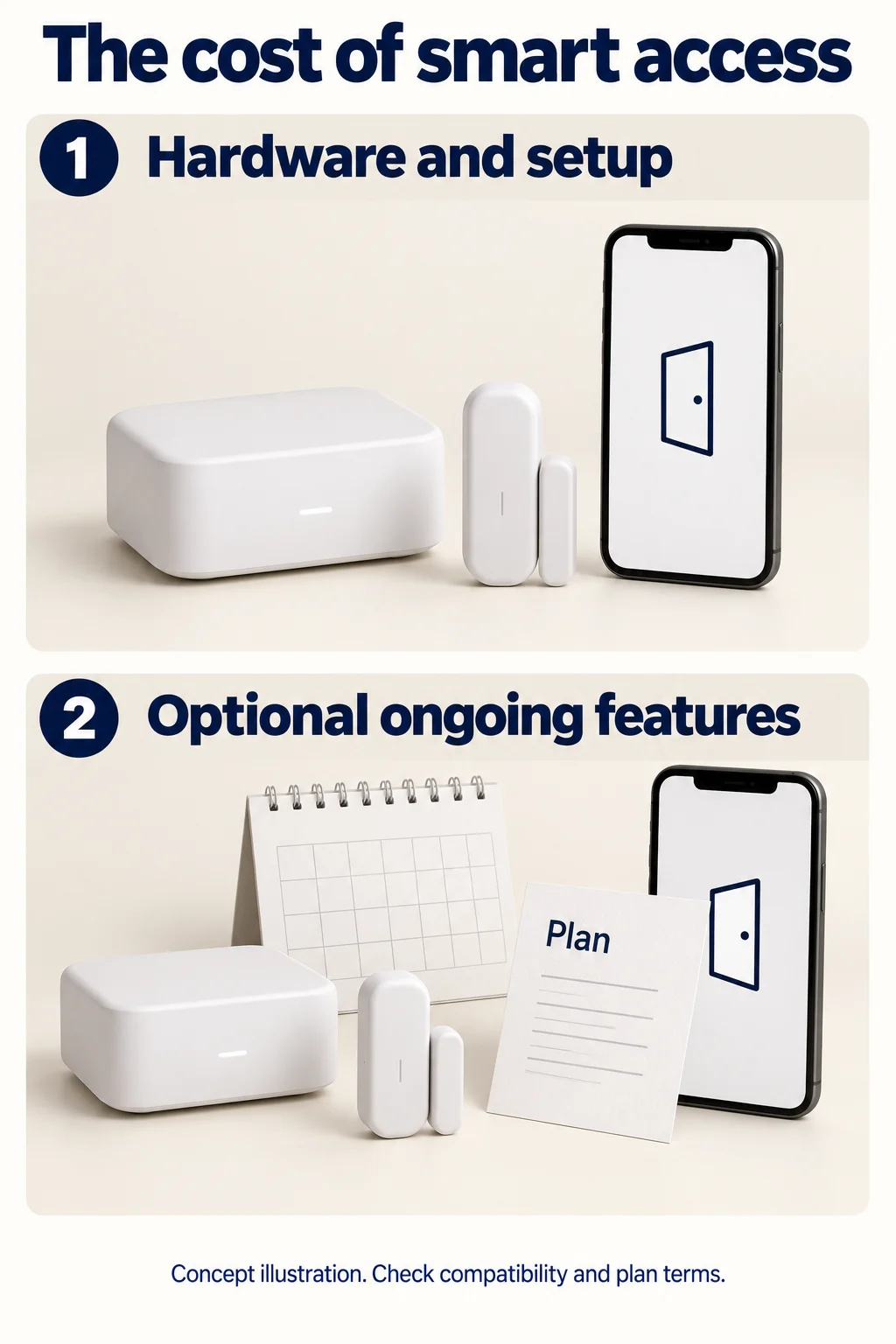
Keep the equipment and setup total separate from any chosen recurring plan. If you need an opener replacement for another reason, use the installed-opener guide for that project. This article addresses the ongoing-feature budget rather than repeating the opener selection task.
Compatibility is a checkpoint, not a guess
The official myQ setup page distinguishes a connected opener from an add-on Smart Garage Control. Its general compatibility description includes manufacturing-era and safety-sensor conditions. That is not an exact-model clearance for your installation.
Record your opener model and the exact proposed accessory, then obtain confirmation from the manufacturer’s compatibility tool or support for that combination. This guide does not certify a retrofit, list universal compatible brands or tell you to bypass a restriction. If compatibility is unresolved, keep the hardware choice open.
A dated example of optional recurring costs
On October 3, 2026, myQ’s video-monitoring page listed Basic at $49.99 per year for one Secure View garage-door opener, Essential at $79.99 per year for one device, and Ultra at $149.99 per year. The same page says a plan is not required for included features such as live streaming and access or motion alerts on compatible devices; recorded video requires a plan.
These are manufacturer plan examples, not Anderson fees, and they are not interchangeable device-eligibility promises. Recheck the current product and plan terms before subscribing. Do not apply the Basic example to a generic add-on controller that has no camera.
Compare ownership costs on the same basis
| Item | What to record |
|---|---|
| Hardware and setup | Exact accepted package and installed total. |
| Compatibility evidence | Exact model pair and dated manufacturer confirmation. |
| Required feature | What you want and whether the selected device supports it. |
| Chosen optional plan | Plan name, eligible devices, billing interval and current price. |
| Trial and renewal | When the trial ends and what terms apply afterward. |
| Without the plan | Which intended features remain available. |
Use annual billing consistently in the worksheet. If your actual choice is monthly billing, multiply that monthly amount by 12 for the annual field; do not substitute a discounted annual price you will not use.
Use the calculation as a budget, not a savings promise
The tool adds your equipment/setup total to the chosen annual charge over the number of years you enter. It assumes that charge stays constant, and excludes future repairs, price changes and costs you have not entered. It does not predict product life or recommend a subscription.
Before paying, confirm the exact device eligibility and the plan terms in your own account or written offer. Keep access credentials out of quote notes. If a needed feature is unclear, resolve it before using a low starting price to choose a product.
Take this into your next conversation
Your quote checklist
Tick off what you have confirmed. Entries stay on this page until reload; print to keep a copy.
0 of 4 confirmed
Your project record
Chosen-plan budget
Use 0 for the annual plan only if you have chosen no paid plan. This is arithmetic under fixed-price assumptions, not a product-life or savings forecast.
Common questions
Does every smart opener require a video subscription?
Do not assume that. Identify the device and the features you want, then check its current plan terms. The cited myQ page distinguishes included functions from recorded video.
Does this guide approve an add-on controller for my opener?
No. Exact-model compatibility must be confirmed separately. The image is generic and the worksheet is a budget tool.
A clearer next step
Discuss the equipment for your access needs
Tell us what you are planning and your Connecticut service address. Call to confirm availability and discuss the next step.
Garage Door Opener Installation & Replacement: scope and next steps →
Ask about your projectSources & review
Last reviewed: October 3, 2026. Manufacturer references were checked for the claims cited in this guide. Prices and product terms can change.
Prepared with AI assistance, checked against the cited sources, and revised after a separate AI review for factual scope and overlap. The publication scope was reviewed by the site owner. This is editorial buying guidance; an installer must assess the actual equipment and proposed work.
Illustrations are AI-generated concepts rather than photographs of customer installations.