






The homeowner journal · Decision guide
Replace a remote without replacing the opener
A compatible replacement remote can be a separate purchase from an opener. Identify the opener generation and supported control protocol before relying on a universal-remote label.
Anderson Garage Door Service · Editorial review October 4, 2026
Replace a remote without replacing the opener
A compatible replacement remote can be a separate purchase from an opener. Identify the opener generation and supported control protocol before relying on a universal-remote label.
Find the receiving system before choosing the transmitter
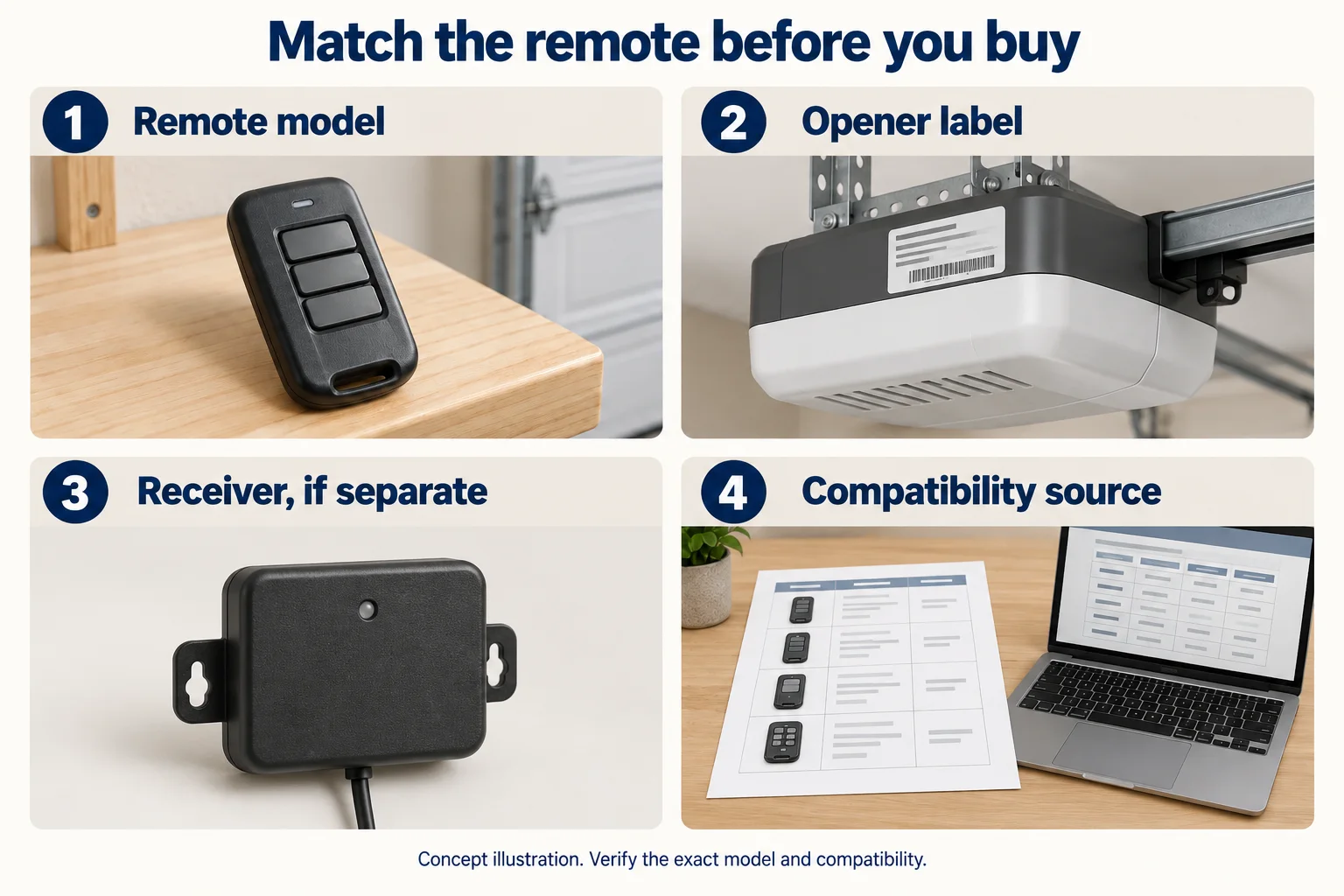
Record the opener manufacturer/model and safely visible receiver identification. A separate receiver, if installed, can matter more than the motor’s brand name. Use accessible labels and manufacturer documents; do not remove covers or share access codes to obtain them.
Compare the compatibility reference
Genie’s universal-remote instructions distinguish supported protocols and opener generations. Frequency alone does not resolve that match. Ask the supplier for the exact listing that supports this receiver/opener and the specific remote being sold. If the device is absent, incompatible or uncertain, do not buy it on a brand-name guess.
Plan authorized setup without erasing every device
Follow only the matched manufacturer’s ordinary programming instructions, keeping the door and work area safe. Find out whether the intended action adds one authorized remote or clears existing memory; those are different tasks. A lost remote can also require a security/access review by the authorized owner. Keep PINs and account credentials out of the buying worksheet.
A limited worked compatibility example
The Genie Universal 2-Button Remote instructions, document 41711.00670 dated February 2021, include a protocol table. These selected rows were checked against page 1 on October 4, 2026. They illustrate how to read a match; the document’s word “current” belongs to its 2021 revision and does not certify later products. The source does not provide an exhaustive opener-model list. Ask the maker to confirm the exact remote revision and installed opener or separate receiver before purchase.
| Observation or choice | What it changes | What to record |
|---|---|---|
| Integrated receiver | Opener generation/protocol matters | Exact model and source listing |
| Separate receiver | May use another supported control family | Receiver identity |
| Universal remote | Compatibility is still conditional | Exact listed protocol/generation |
| Lost or unavailable old remote | Access review may accompany replacement | Authorized setup/retirement plan |
| Brand / family | Published protocol / generation | Frequency and date notes | Genie Chart A ID | Condition / exclusion | Source checked date | Primary source |
|---|---|---|---|---|---|---|
| Genie | Intellicode I | 315/390 MHz; 1995–“current” in the 2021 chart | 1 | Exact receiver and remote revision still required | 2026-10-04 | Genie: universal remote instructions |
| Genie | Intellicode II | 315/390 MHz; 2010–2011 | 6 | Different generation despite the same frequency pair | 2026-10-04 | Genie: universal remote instructions |
| Chamberlain / LiftMaster / Craftsman | Purple Learn; Security+ | 315 MHz; 2006–2014 | 2 | Color alone does not establish an exact match | 2026-10-04 | Genie: universal remote instructions |
Named Genie Universal 2-Button Remote, document 41711.00670, February 2021; checked October 4, 2026. Selected examples only. These instructions exclude pre-1993 openers and require operational safety photocells. Other models, functions and revisions remain unconfirmed. Chart IDs are cross-references, not setup steps. Use current exact-system documentation before purchase.
Your record
Remote compatibility record
Use information already observed safely, or supplied in writing. An empty field means the answer still needs confirmation.
Do not enter PINs, programming secrets or passwords.
Your notes are not sent or saved. Tool-use measurement records the action only, without your entries.
References: Genie: universal remote instructions · Genie: official owner-manual directory
Discuss the scope for your actual door
Keep observations and open questions with the written proposal. The provider must assess the actual system and confirm service availability for your address.
Garage Door Opener Repair: scope and next steps →Sources & editorial review
Editorial additions last reviewed October 4, 2026. Prepared with AI assistance, checked against the references below and revised after a separate AI review of factual scope and overlap. This is editorial guidance, not a technician inspection or a certification of your equipment.
Source check dates describe the review of the reference. They do not change a manual’s revision or establish current availability, price, compatibility or site suitability.
- Genie: universal remote instructions — checked 2026-10-04. Named Universal 2-Button Remote, document 41711.00670 revision 02/2021, Chart A page 1. Selected protocols and generations only; not an exhaustive opener-model list or confirmation of later products. Pre-1993 openers excluded; working safety photocells required. No programming procedure reproduced.
- Genie: official owner-manual directory — checked 2026-10-03. Official route for finding the applicable document; no unsupported compatibility or part-stock inference.